*This post contains affiliate links. If you use these links to buy something we may earn a commission at no extra cost to you.
The Late-Night Gaming Struggle
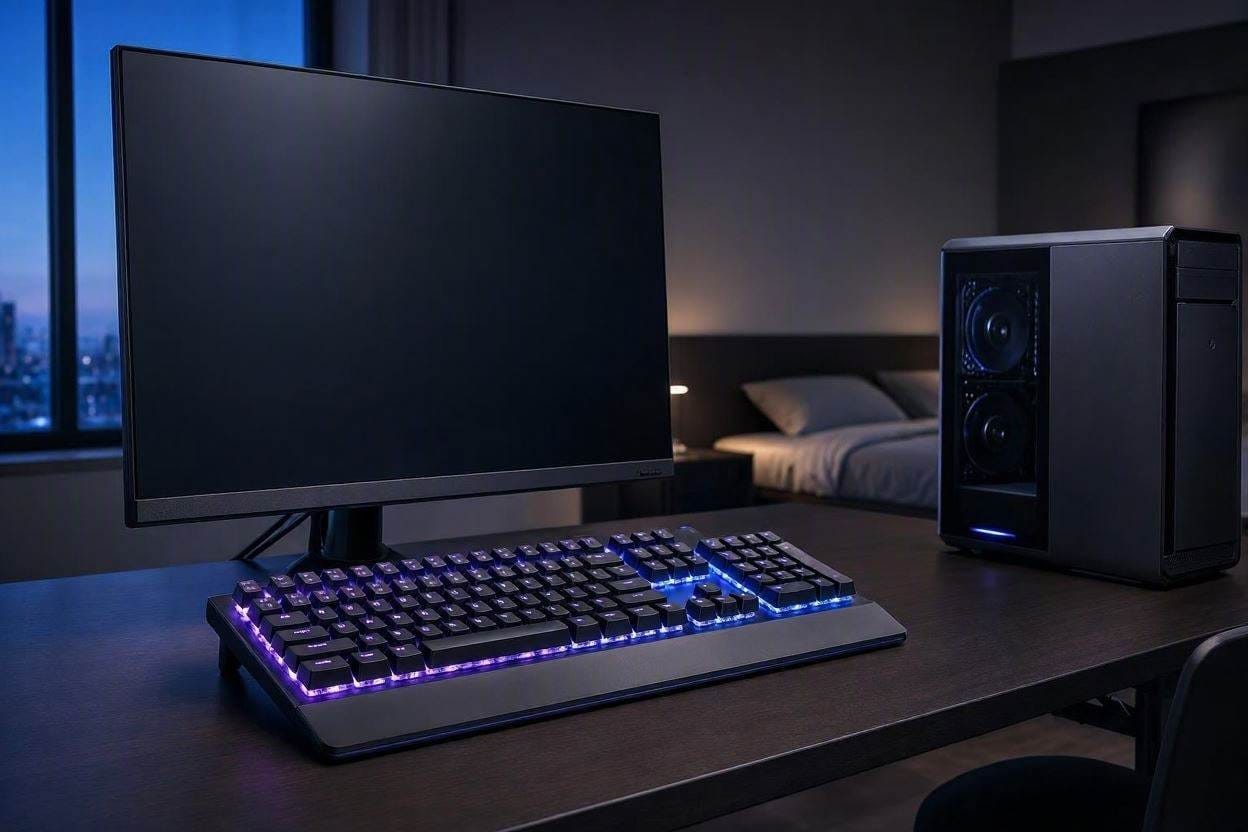
We have all been there. It is 1:00 AM, the house is completely dark, and you are in the middle of an incredibly intense, high-stakes match. You are executing perfect inputs, totally in the zone—until your roommate or partner throws the bedroom door open, furious because your keyboard sounds like a machine gun going off in the hallway.
If you play PC games, you know that standard “Blue Switch” mechanical keyboards are obnoxiously loud. The rapid-fire clack-clack-clack is a piercing, high-frequency sound. As we’ve discussed in our guide on the health effects of noise pollution, sharp, repetitive high-frequency sounds easily penetrate walls and shatter human sleep cycles.
So, you are faced with a terrible choice: annoy your family, or switch to a cheap, mushy membrane keyboard that completely ruins your gaming precision.
Thankfully, keyboard engineering has solved this. You can now get the lightning-fast responsiveness of an eSports mechanical board with built-in acoustic dampeners to kill the noise. Here is exactly what switches to look for, and the boards that do it best.
The Science of the Switch: Blue vs. Red vs. Yellow
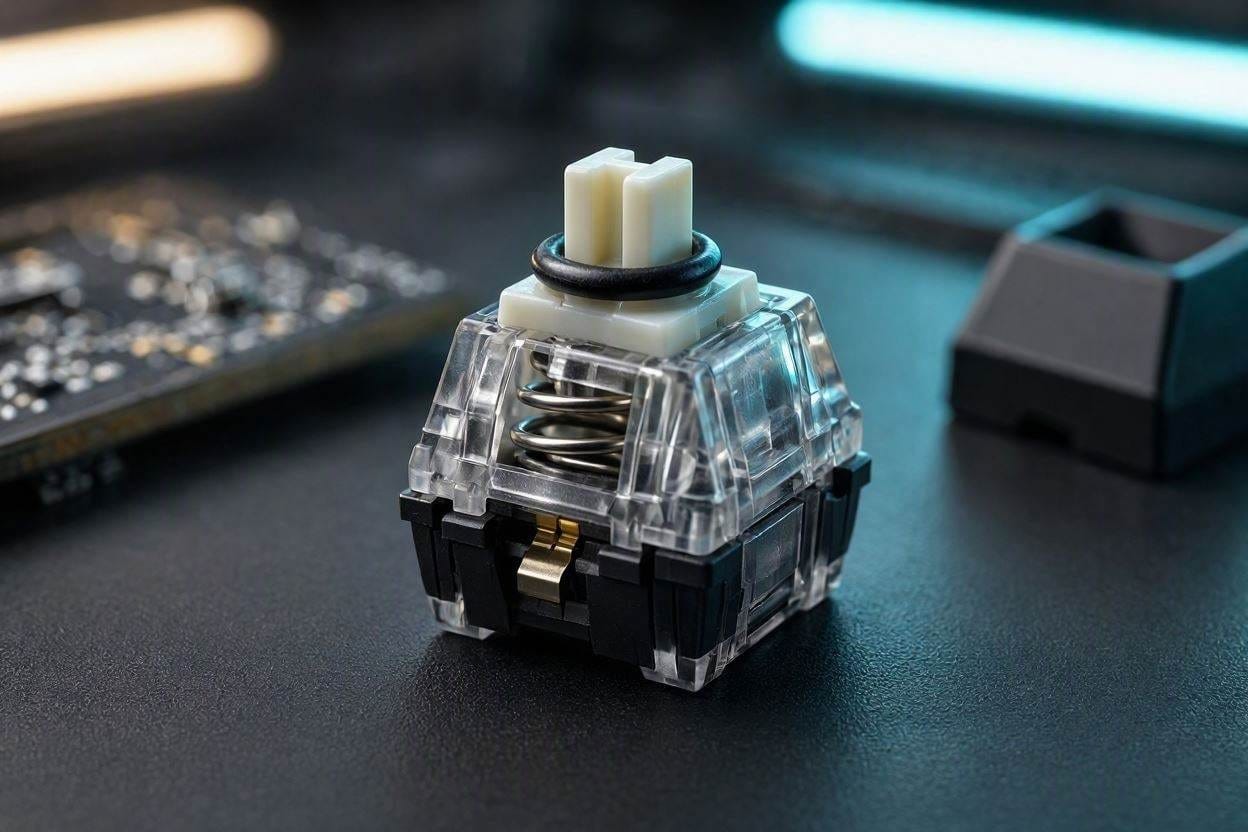
To buy a quiet keyboard, you have to understand what is actually making the noise. When you pull a plastic keycap off a mechanical keyboard, you reveal the “switch” underneath. Switches generally fall into three categories:
- Clicky (Blue Switches): These are designed to be loud. They have a physical plastic mechanism inside that snaps loudly to let you know the key was pressed. Do not buy these if you live with other people.
- Tactile (Brown Switches): These don’t have the loud “click” mechanism, but they have a physical “bump” you can feel as you press down. They are quieter, but still produce a noticeable plastic clatter when you “bottom out” (smash the key all the way down).
- Linear (Red or Yellow Switches): This is the holy grail for stealth gaming. Linear switches go straight up and down smoothly with zero bumps or clicks. They are incredibly fast.
According to the switch engineering data provided by Cherry MX (the industry standard for keyboard switches), specialized “Silent” linear switches take this a step further by embedding microscopic rubber sound-dampeners directly into the stem of the switch. This prevents the harsh plastic-on-plastic clack when the key hits the bottom of the board.
1. Corsair K70 RGB MK.2 (The Pro Choice)
If you want the exact keyboard used by professional eSports players but need it to be roommate-friendly, the Corsair K70 is a masterpiece of gaming hardware. It is built on an aircraft-grade aluminum frame, which prevents the keyboard from bowing or squeaking during heavy typing.
You must ensure you select the model with Cherry MX Silent Red switches. These linear switches reduce acoustic noise by up to 30% compared to standard mechanical switches. The sound profile shifts from a sharp, annoying “clack” to a very low, muffled “thud” that will not travel through your drywall.
The Pros
- Genuine Cherry MX Silent switches provide elite acoustic stealth.
- Aluminum frame stops hollow, echoing plastic sounds.
- Dedicated media controls and incredibly comfortable wrist rest.
The Cons
- Premium price tag for genuine Cherry switches.
- The thick braided cable is quite stiff and bulky on a desk.
2. Razer BlackWidow V3 (The Speed Pick)
Razer manufactures their own proprietary mechanical switches. For years, they were infamous for their ultra-loud “Razer Green” switches. However, they finally answered the demand for stealth with the Razer Yellow Switch.
The Yellow switch is linear, silent, and features built-in sound dampeners on the sidewalls. What makes this board special is the actuation point (the distance you have to press the key before the computer registers the input). The Razer Yellows have an incredibly short 1.2mm actuation distance. This means you barely have to tap the keys to fire off an ability in a fast-paced FPS game, resulting in significantly less physical force and a much quieter typing experience.
The Pros
- Ultra-fast 1.2mm actuation means less forceful, quieter keystrokes.
- Bright, customizable Chroma RGB lighting looks stunning in a dark room.
- Transparent switch housing makes the lighting pop without adding noise.
The Cons
- The keys are so sensitive that heavy typists might make typos at first.
- The included plastic wrist rest is unpadded and a bit cheap feeling.
3. SteelSeries Apex 3 (The Budget/Membrane Pick)
Mechanical keyboards are expensive. If you are a college student sharing a tiny dorm room and absolutely cannot afford a $150 Corsair board, the SteelSeries Apex 3 is your best alternative.
This is a membrane keyboard, which means it uses a continuous sheet of rubber domes underneath the keys instead of individual mechanical switches. Because you are pressing plastic into soft rubber, it is virtually silent. SteelSeries specifically tuned these “Whisper-Quiet” switches to eliminate friction while still feeling surprisingly responsive for a non-mechanical board. As a massive bonus, the rubber dome design makes this keyboard completely water-resistant to accidental spills.
The Pros
- The absolute quietest option on the list (rubber dome technology).
- Highly affordable budget price point.
- IP32 water resistance protects against spilled drinks.
The Cons
- Membrane keys feel “mushier” than crisp mechanical switches.
- Keycaps cannot be easily swapped out or customized.
How to Silence Your Existing Keyboard (The O-Ring Hack)
If you already own an expensive mechanical keyboard with loud switches and you cannot afford to replace the entire board, there is a $10 DIY acoustic hack: O-Rings.
You can buy a pack of tiny, high-density silicone O-rings online. You simply pull the plastic keycaps off your keyboard using a keycap puller, and roll one tiny rubber O-ring onto the stem of each keycap.
When you put the key back on and press down, the rubber O-ring absorbs the impact of the plastic hitting the baseplate. According to the physical principles of structural decoupling, inserting a soft, rubberized layer between two rigid pieces of plastic prevents the kinetic transfer of acoustic energy. It instantly dulls the sharp “clack” into a muted thud.
Complete Your Stealth Desk Setup: A quiet keyboard is only half the battle. If your rapid mouse-clicking is still causing distractions in your home office, check out our guide to the best silent computer mice to build the ultimate distraction-free workspace!

Ememobong is the lead researcher and editor at Quiet Dwelling. As a professional technical writer, he specializes in breaking down complex acoustic engineering concepts into simple, actionable steps. His goal is to help people build distraction-free environments for better sleep and deep work.