This post contains affiliate links. If you use these links to buy something, we may earn a commission.
If you have ever tried to type an email while on a conference call, or attempted to finish a report while your partner is sleeping in the next room, you know that keyboards are shockingly loud pieces of hardware.
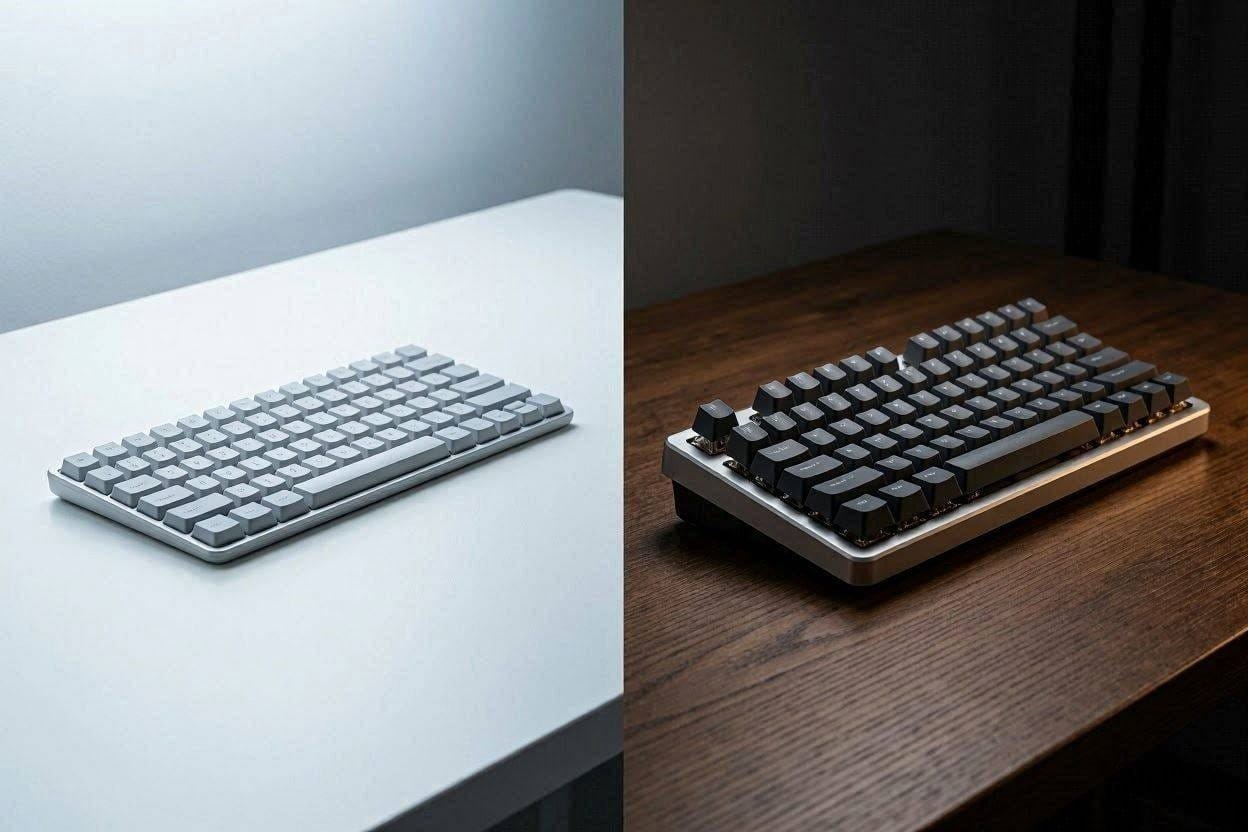
For decades, office workers and late-night gamers have been engaged in a fierce debate over keyboard technology. On one side, you have the mechanical keyboard purists who swear by the precision and tactile feedback of individual switches. On the other side, you have the membrane keyboard users who prefer a softer, low-profile typing experience.
But when you strip away the marketing jargon and look purely at acoustic physics, which one is actually quieter? If your primary goal is to stop annoying your coworkers and family members, which technology should you invest in?
The short answer? Out of the box, a membrane keyboard is significantly quieter. However, a heavily modified mechanical keyboard can be customized to produce a much more pleasant, low-frequency sound.
Let us break down the acoustic mechanics of both technologies, why they make noise, and the best quiet options for each.
The Acoustics of Membrane Keyboards
If you bought a standard $20 keyboard from a department store, or if you are typing on a laptop, you are almost certainly using a membrane keyboard.
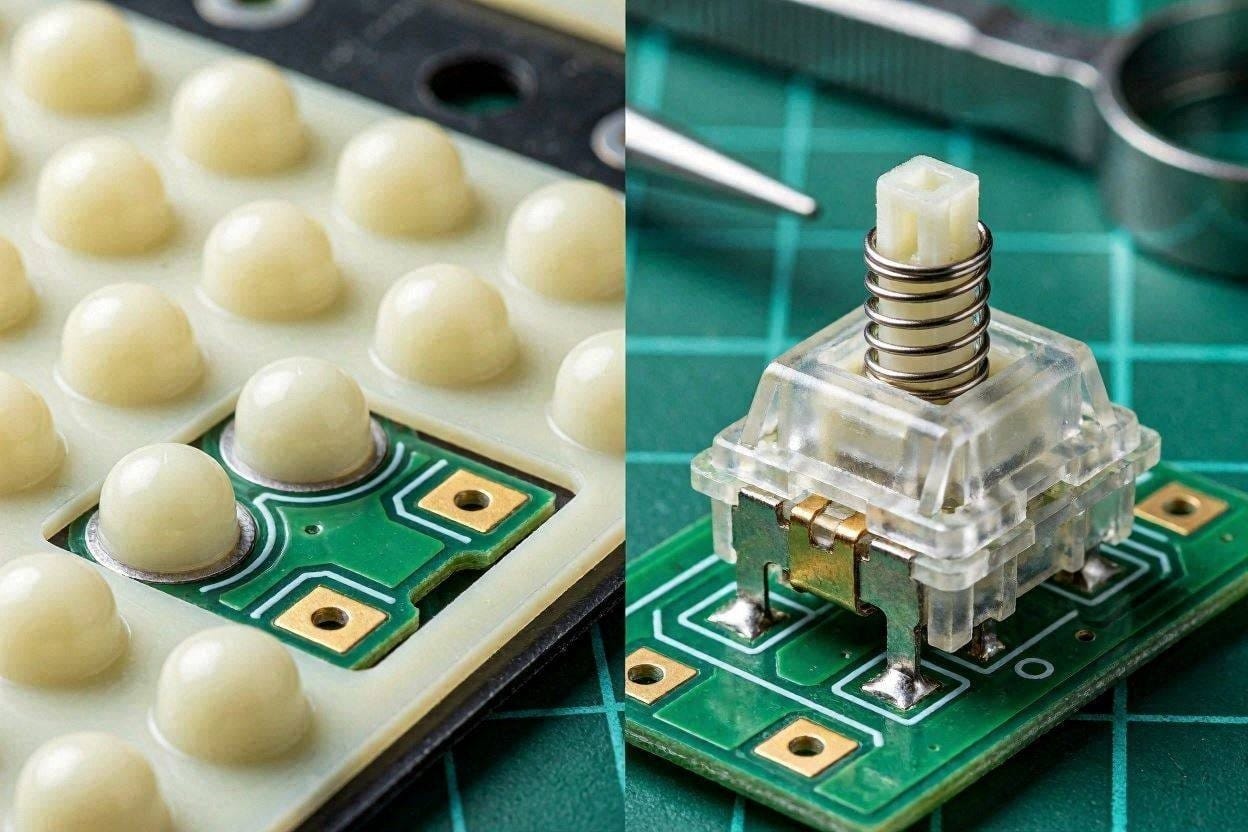
Inside a membrane keyboard, there are no individual mechanical parts for each key. Instead, underneath the plastic keycaps sits a single, continuous sheet of rubber domes. When you press a key, the plastic pushes down on the rubber dome, collapsing it until it touches a conductive circuit board at the bottom, registering the keystroke.
From an acoustic standpoint, rubber is a fantastic sound dampener. Because the keycap is striking a soft, flexible piece of rubber rather than a hard plastic switch, the impact energy is immediately absorbed. According to audio tests by Rtings, standard membrane keyboards rarely exceed 45 decibels, which is equivalent to a quiet library.
The downside? Acoustic dampening often comes at the cost of physical precision. Many heavy typists describe membrane keyboards as feeling “mushy,” lacking the crisp, bouncy feedback that allows for rapid, error-free typing.
If you want the ultimate silent membrane experience without the “mushy” feeling, this board uses premium scissor-switches over rubber domes to deliver incredibly crisp, yet whisper-quiet, keystrokes.Check the current price on Amazon ➔
The Acoustics of Mechanical Keyboards
Mechanical keyboards are a completely different acoustic beast. Instead of a rubber sheet, every single key sits on top of its own self-contained mechanical switch. These switches contain hard plastic stems, metal springs, and metal contact leaves.
When you type on a mechanical keyboard, you are creating noise in three distinct ways:
- The Switch Click: Some switches (like “Blue” switches) are intentionally designed with a metal click-jacket to produce a sharp, high-pitched snap every time they are pressed. This is an acoustic nightmare in a quiet home.
- Bottoming Out: When you press the key all the way down, the hard plastic stem slams violently into the hard plastic housing. This creates a loud, echoing “clack.”
- Spring Ping: When you release the key, the cheap metal spring inside can vibrate, creating a high-frequency, metallic ringing sound.
Because it is literally plastic violently striking plastic, an unmodified mechanical keyboard can easily hit 60 to 70 decibels, making it completely unsuitable for a quiet dwelling.
How to Silence a Mechanical Keyboard
If mechanical keyboards are inherently louder, why do so many people prefer them? Because the typing experience is vastly superior, and with a little bit of acoustic engineering, you can make them nearly as quiet as a membrane board.
If you refuse to give up your mechanical keyboard, you must implement these three acoustic upgrades:
- Use Silent Linear Switches: You must completely avoid “Clicky” (Blue) or “Tactile” (Brown) switches. Instead, you need “Silent Linear” switches (like Cherry MX Silent Reds). These switches have tiny rubber dampeners built directly into the plastic stem to cushion the bottom-out impact.
- Lube Your Switches: By disassembling the switches and painting the plastic and metal springs with a specialized synthetic grease (like Krytox), you eliminate the metallic “pinging” and lower the overall sound frequency to a deep, muffled “thud.”
- Add Internal Foam: The hollow plastic case of a mechanical keyboard acts like an acoustic drum, amplifying the typing noise. By packing the inside of the case with high-density neoprene or EVA foam, you absorb the internal resonance.
Don’t want to build your own? Razer packed this premium office keyboard with silent linear switches and layers of internal acoustic foam to give you mechanical precision without the deafening clack.Check the current price on Amazon ➔
The Golden Rule: Beware of Desk Resonance
Regardless of whether you choose membrane or mechanical, your desk is likely making the problem worse.
Wood and glass desks are hard, reflective surfaces. When you type, kinetic energy travels down through the keyboard chassis and directly into the desk. The desk then acts as a massive acoustic amplifier, radiating that low-frequency “thumping” sound throughout the room. This is known in acoustics as structural impact noise.
You can instantly drop the decibel level of any keyboard by placing an extra-thick (4mm) rubber or felt desk mat underneath it. The mat acts as a decoupling layer, absorbing the kinetic energy before it can vibrate your desk.
The Verdict: Which Should You Buy?
If you want absolute silence immediately out of the box, and you do not want to spend hours modifying hardware, a membrane keyboard is the undeniable winner. The natural acoustic dampening of rubber domes makes them the safest bet for shared office spaces and quiet homes.
However, if you are a fast, heavy typist who despises the “mushy” feeling of membrane keys, you do not have to suffer. By purchasing a premium mechanical keyboard equipped with silent linear switches and acoustic foam, you can achieve a deeply satisfying, low-frequency typing experience that won’t wake the baby.

Ememobong is the lead researcher and editor at Quiet Dwelling. As a professional technical writer, he specializes in breaking down complex acoustic engineering concepts into simple, actionable steps. His goal is to help people build distraction-free environments for better sleep and deep work.