This post contains affiliate links. If you use these links to buy something, we may earn a commission.
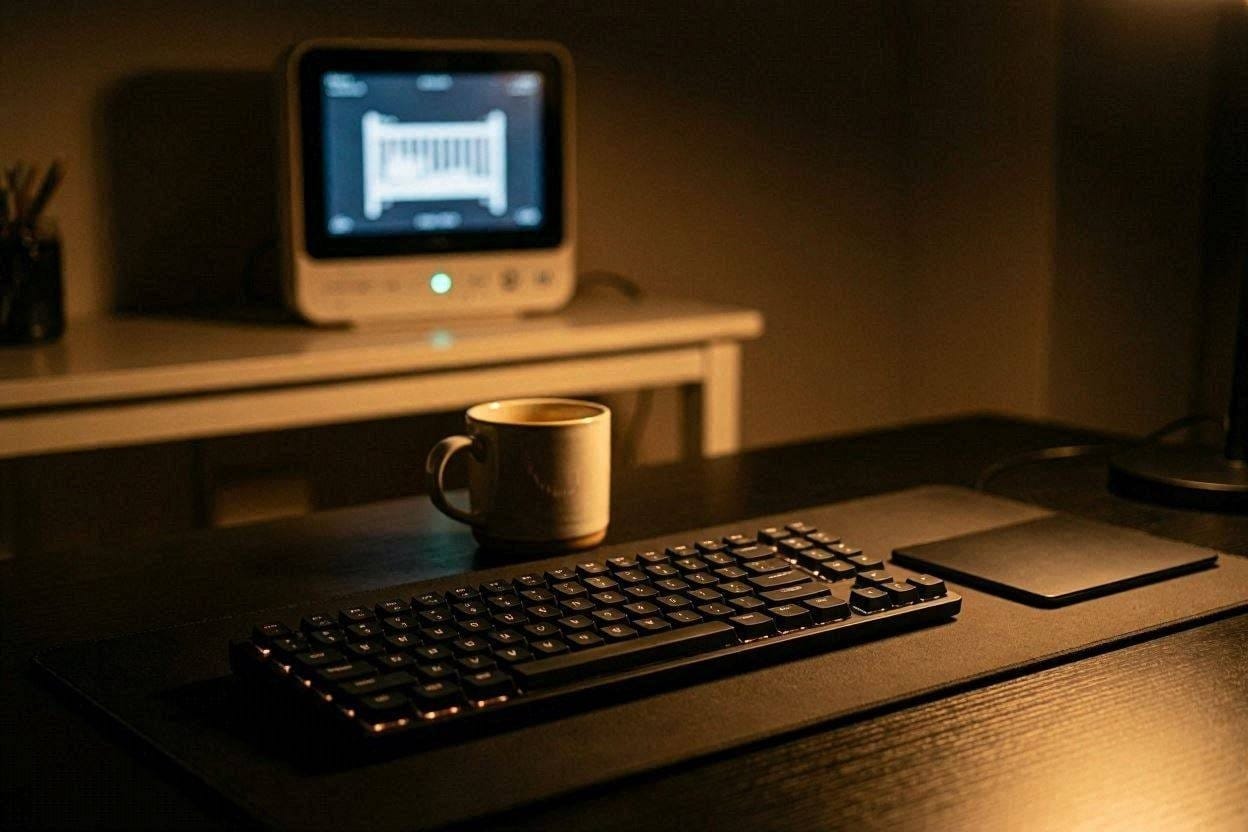
Working from home used to be a luxury, but for millions of parents, it is now a chaotic juggling act. When you have a baby in the house, your deep work usually happens at the absolute extremes of the day, either at 5:00 AM before the house wakes up, or at 11:00 PM when everyone is finally asleep.
The house is silent, the baby monitor is quiet, you sit down at your desk to fire off some crucial emails, and suddenly…
CLACK. CLACK. CLACK.
Standard keyboards sound like literal machine guns in a quiet house. In the dead of night, the sharp, high-frequency sound of hard plastic violently striking plastic easily travels through drywall and down the hallway, threatening to ruin your baby’s carefully structured sleep cycle.
You don’t have to choose between getting your work done and keeping your baby asleep. The tech industry has recently made massive advancements in acoustic dampening. Let’s break down why your current keyboard is so loud, and look at the absolute best quiet keyboards for home offices in 2026.
The Anatomy of Keyboard Noise: Why Is It So Loud?
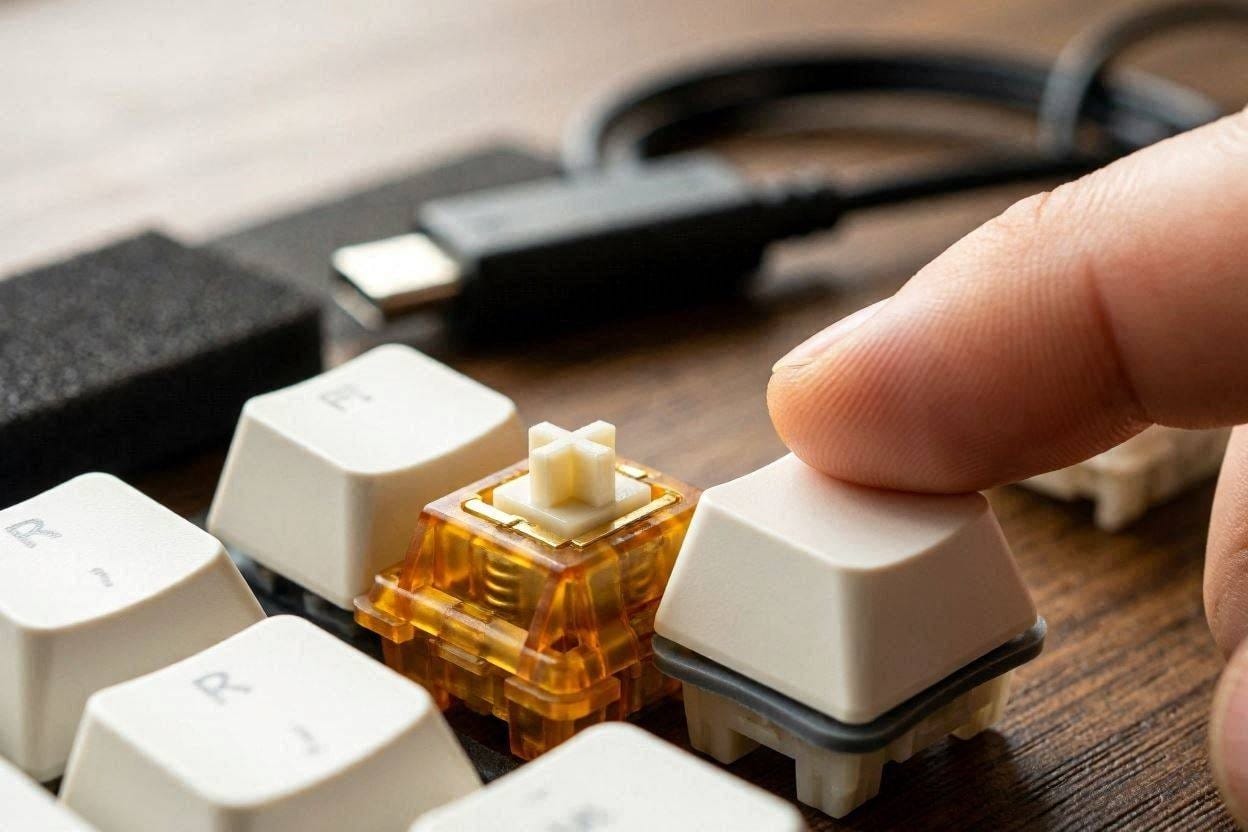
To fix the noise, you need to understand where it comes from. Keyboard acoustics boil down to two main events:
- The Switch Click: Underneath the plastic keycap is a mechanical switch or a rubber dome. Many popular mechanical switches (like the famous Cherry MX Blues) are intentionally designed with a metal “click jacket” that creates a sharp, high-pitched snap every time you press it to give you tactile feedback.
- Bottoming Out: This is the heavy, low-frequency “thud” that happens when you press the keycap down so hard that it violently slams into the metal or plastic backplate of the keyboard.
According to comprehensive acoustic testing by Rtings, a standard mechanical gaming keyboard can easily exceed 60 decibels of sharp noise, which is roughly the volume of a normal conversation happening right next to your ear.
To achieve a truly silent typing experience, a keyboard must use specialized linear switches (which have no click jacket) and incorporate physical dampening materials (like rubber O-rings or silicone padding) to completely cushion the “bottoming out” impact.
1. Logitech MX Keys Advanced (Best Overall)
If you are looking for the absolute gold standard in home office productivity, look no further than the Logitech MX Keys Advanced.
This is a low-profile membrane keyboard that utilizes specialized “Perfect Stroke” scissor switches. Because it is low-profile, the key travel distance is incredibly short. Less travel distance means your fingers don’t build up enough kinetic energy to create a loud “thud” when bottoming out. The keys feel sturdy, responsive, and incredibly soft. It produces a deeply muted, ultra-low frequency “thwump” that will barely register on a baby monitor sitting in the next room.
The ultimate silent productivity tool. It features ultra-quiet scissor switches, smart backlighting that only turns on when your hands approach, and it can seamlessly switch between three different computers.Check the current price on Amazon ➔
2. Razer Pro Type Ultra (Best For Mechanical Lovers)
Many fast typists and programmers absolutely despise the “mushy” feeling of a membrane keyboard. They want the precision of a mechanical keyboard, but they can’t afford the noise.
Razer completely solved this with the Pro Type Ultra. This premium board uses Razer’s proprietary Yellow Mechanical Switches, which are “linear.” This means they push straight down in one smooth, totally silent motion without a clicking mechanism. Furthermore, the interior of the keyboard is packed with acoustic sound-dampening foam to absorb any lingering metallic pinging from the springs.
Don’t let the gaming brand fool you; this is a premium office tool. Featuring silent linear switches and layers of internal acoustic foam, it offers mechanical precision with library-level quietness.Check the current price on Amazon ➔
3. Cherry Stream Desktop (Best Budget Option)
If you just need a quiet keyboard to quickly respond to Slack messages without waking your family, you don’t need to spend over $100. The Cherry Stream Desktop is an incredible budget performer.
Built by Cherry (the German company famous for inventing the modern mechanical switch), this board utilizes their SX scissor technology. It completely eliminates the rattle and hollow plastic echo found on most cheap keyboards. It is utilitarian, highly durable, and produces a wonderfully soft, muffled sound profile.
Engineered by the masters of switch technology, this highly affordable keyboard uses ultra-quiet SX scissor mechanics to eliminate plastic rattling, making it perfect for budget-conscious home offices.Check the current price on Amazon ➔
Pro Tip: Add a Desk Mat
If you have already bought a quiet keyboard but you are still hearing a deep, thudding noise when you type, the problem might actually be your desk.
Hardwood or glass desks act like acoustic amplifiers. When you type, the kinetic energy from your fingers travels through the keyboard case and directly into the hard desk, vibrating the entire surface. To instantly fix this, place an extra-thick neoprene desk mat beneath your keyboard. The thick rubber will decouple the keyboard from the desk, absorbing the kinetic impact and dropping the overall decibel output significantly.
The Verdict
A loud keyboard isn’t just an annoyance; it is a serious disruption to the peace and focus of your home. You owe it to your baby (and your own sanity) to invest in a workspace that allows you to type furiously without sounding like a heavy typist from the 1980s.
If you want the absolute best typing experience money can buy, grab the Logitech MX Keys Advanced. Your fingers will glide over it, your emails will get sent faster, and most importantly, your baby will stay soundly asleep.

Ememobong is the lead researcher and editor at Quiet Dwelling. As a professional technical writer, he specializes in breaking down complex acoustic engineering concepts into simple, actionable steps. His goal is to help people build distraction-free environments for better sleep and deep work.