*This post contains affiliate links. If you use these links to buy something we may earn a commission at no extra cost to you.
We have all experienced the “Zoom Call Typewriter” phenomenon. You are in a quiet virtual meeting, someone starts vigorously taking notes, and it sounds like they are aggressively operating a 1980s typewriter directly into their microphone. The piercing clack-clack-clack echoes through everyone’s speakers until someone inevitably asks them to mute.
If you are that person, or if you share a home office or bedroom with a sleeping partner, you know the guilt of typing on a loud mechanical keyboard. Standard mechanical keyboards are beloved for their tactile feedback and typing speed, but they are notoriously obnoxious.
According to environmental health studies documented by the National Institutes of Health (NIH) on workplace acoustics, intermittent and unpredictable noises (like rapid-fire typing) are the leading cause of cognitive distraction and elevated stress in shared spaces.
For years, your only alternative was to switch to a cheap, “mushy” membrane keyboard that felt terrible to type on. But in 2026, keyboard engineering has hit a golden era. By utilizing pre-lubricated silent switches, acoustic foam layers, and gasket mounts, you can achieve the elite typing feel of a mechanical board with practically zero airborne noise. Here are the absolute best quiet mechanical keyboards on the market today.
The Science of the Screech: Why Your Keyboard is So Loud
To buy a truly quiet mechanical keyboard, you have to understand the three distinct ways a keyboard generates noise. It isn’t just the key you are pressing; it is a combination of friction, impact, and acoustic resonance.
1. The Switch Type (The Friction)
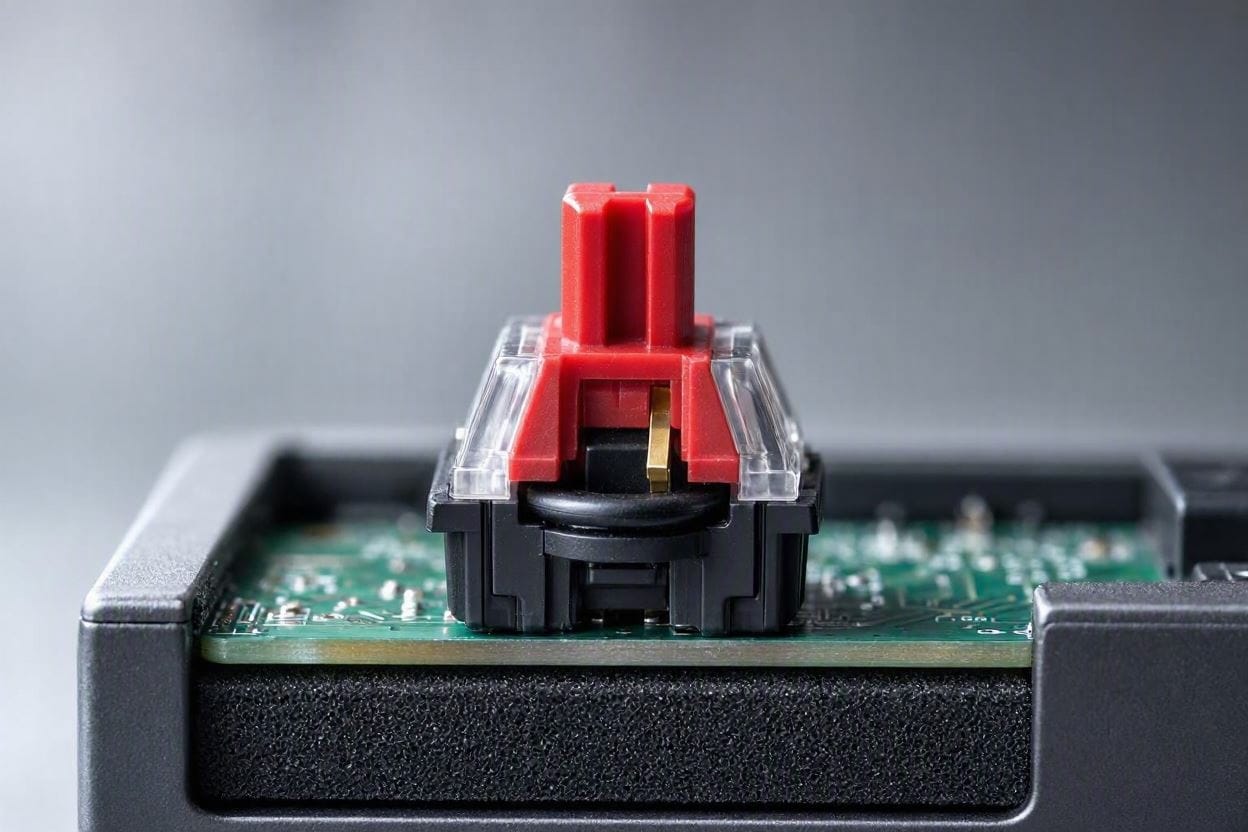
Mechanical switches come in three categories: Clicky (Blue), Tactile (Brown), and Linear (Red/Yellow). Clicky switches have a deliberate piece of plastic inside that violently snaps every time you press it, generating a sharp 70-decibel click. If you want a quiet dwelling, you must completely avoid Blue/Clicky switches. You want Linear (Red) switches, which slide straight down effortlessly without any internal clicking mechanism.
2. The Bottom-Out (The Impact)
Even if you use a smooth Linear switch, your finger forces a piece of hard plastic to slam into the rigid circuit board at the bottom of every keystroke. This high-speed collision creates a sharp, clacking impact noise. Premium quiet switches solve this by injecting tiny silicone dampening pads directly into the switch stem to absorb the kinetic impact.
3. Case Ping (The Echo)
Cheap gaming keyboards are built using hollow, rigid plastic shells. When you type, that hollow space acts exactly like the body of an acoustic guitar. It traps the vibration of your keystrokes and amplifies it into a metallic, echoing “ping” that rings out across your desk.
1. Keychron Q1 Pro (The Absolute Best)
If you want the ultimate “thocky,” deep-sounding, ultra-premium typing experience, Keychron has essentially taken over the enthusiast market. The Q1 Pro is a heavy, CNC-machined aluminum masterpiece.
What makes it so incredibly quiet and pleasant to type on is its Double-Gasket Mount design. Instead of screwing the circuit board directly to the metal case (which transfers impact noise), the internal board “floats” on thick silicone gaskets. When you type forcefully, the entire board flexes slightly, absorbing the impact energy. Furthermore, Keychron packs the internal case with high-density acoustic foam, completely eliminating any hollow “pinging” echoes.
Ensure you select the “K Pro Red” (Linear) switches at checkout. Because the board is hot-swappable, you can even pull these switches out later and drop in ultra-silent aftermarket switches without any soldering.
The Pros
- Heavy aluminum body and acoustic foam completely kill internal echoes.
- Gasket-mounted plate provides a soft, cushioned, silent typing feel.
- Wireless Bluetooth handles up to 3 devices seamlessly.
The Cons
- The solid aluminum body makes it incredibly heavy (not for traveling).
- Premium, enthusiast-level price tag.
2. Logitech MX Mechanical (Best for Office Professionals)
If you don’t care about custom modding and just want a sleek, ultra-professional keyboard that pairs perfectly with your silent office mouse, the Logitech MX Mechanical is unrivaled.
This is a “Low-Profile” keyboard. The keycaps and the switches themselves are cut in half, meaning your fingers don’t have to travel as far to press a key. A shorter travel distance equals significantly less downward impact force, naturally resulting in a quieter typing experience.
When purchasing, be absolutely sure to select the “Quiet Tactile” switch option. These switches provide a deeply satisfying, subtle bump so you know the key was pressed, but Logitech heavily dampened the housing to ensure it emits a faint, muted “patter” rather than a sharp click.
The Pros
- Low-profile design is incredibly ergonomic and prevents wrist strain.
- “Quiet Tactile” switches offer a perfect balance of feedback and silence.
- Battery lasts an astonishing 10 months with backlighting off.
The Cons
- The flat, low-profile keys take a few days of typing to get used to.
- Keys are not easily swappable/customizable.
3. Epomaker TH80 Pro (The Budget Stealth Pick)
Custom, quiet mechanical keyboards used to cost $300 minimum. Epomaker disrupted the entire industry by delivering enthusiast-level acoustics at a massive budget discount.
The TH80 Pro features a highly sought-after 75% layout (saving desk space while keeping the F-keys) and beautiful RGB lighting. But acoustically, it shines because of its Factory-Lubed Switches. When plastic rubs against plastic inside a switch, it creates a scratchy, hissing noise. Epomaker meticulously applies lubricant to the internal stems of their switches at the factory, resulting in a buttery-smooth, deeply dampened keystroke that sounds incredible right out of the box.
The Pros
- Factory lubing provides a premium, silent glide without the DIY effort.
- Unbeatable value for hot-swappable, gasket-mounted technology.
- Features a programmable metal volume knob.
The Cons
- The plastic case isn’t as robust as the heavy aluminum Keychron.
- The companion software for customizing RGB lights is clunky.
The Desk Mat Hack: Stopping Impact Vibrations
Buying a silenced, foam-dampened keyboard solves the problem of airborne noise. However, if you are a heavy typist and you place your new keyboard directly onto a hard wooden or hollow laminate IKEA desk, you will still hear a deep, rumbling noise echoing through your room.
This is caused by Impact Noise. The physical vibration of your fingers slamming the keys transfers directly through the keyboard feet into the desk surface. The desk essentially acts as a booming acoustic amplifier, telegraphing the bass vibration straight into your floor. We explain the physics of this extensively in our guide on Airborne vs. Impact Noise.
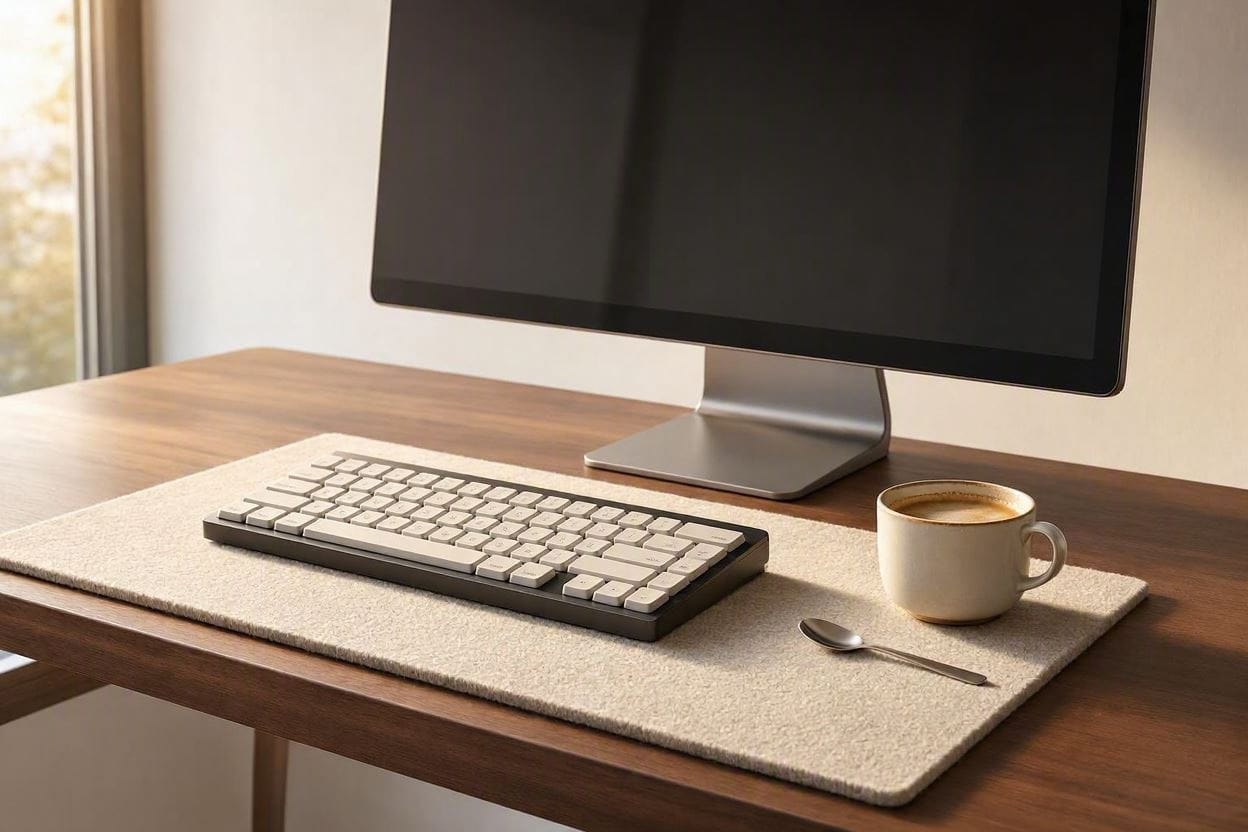
The 5-Minute Fix: You must decouple the keyboard from the desk. Buy a massive, extra-thick (4mm or 5mm) extended cloth or felt desk mat. The soft, dense material acts as an acoustic shock absorber, trapping the kinetic vibration before it ever reaches the hard wood. It instantly silences the low-frequency rumble in your home office.
Frequently Asked Questions (FAQ)
Can I Just add O-Rings to My Current Loud Keyboard?
Yes and no. You can buy a pack of cheap rubber O-rings and slide them under your keycaps. They will dampen the plastic-on-plastic “clack” when you bottom out a key. However, if your current keyboard uses “Clicky” Blue switches, the sharp clicking mechanism is actually inside the switch housing. O-rings cannot stop internal switch noise, and they also make the keyboard feel incredibly “mushy” to type on.
What Does “Hot-Swappable” Mean?
A hot-swappable keyboard allows you to physically pull the mechanical switches out of the circuit board using a small metal tweezer and push new ones in without requiring a soldering iron. This is brilliant for soundproofing. If you buy a hot-swappable board and it is still too loud for you, you can easily buy a set of specialized “Ultra-Silent” switches online and snap them in yourself in 10 minutes.
Will a Quiet Keyboard Affect My Typing Speed?
Actually, it might improve it. The smooth, linear nature of dampened switches means there is less physical resistance (the tactile “bump”) fighting against your fingers. Many touch-typists find that smooth, lubricated linear switches allow their fingers to glide across the board with less fatigue over a long 8-hour workday.

Ememobong is the lead researcher and editor at Quiet Dwelling. As a professional technical writer, he specializes in breaking down complex acoustic engineering concepts into simple, actionable steps. His goal is to help people build distraction-free environments for better sleep and deep work.